Bridge via Stargate
Overview
Stargate is a composable cross-chain liquidity transport protocol enabling seamless asset transfers between blockchains.
Supported Tokens on Gate Layer
- WETH
- USDC.e
Additional assets may be supported in future updates.
Supported Networks for Gate Layer
Major supported networks include Ethereum, Base, Arbitrum, and OP Mainnet, along with other networks already integrated by Stargate.
The available source networks are dynamically determined by Stargate and may change over time.
Tutorial: Bridging Assets to Gate Layer
For full instructions, refer to Stargate’s official documentation:
https://docs.stargate.finance/user-docs/transfer
Below is a concise walkthrough demonstrating how to bridge WETH or USDC.e to Gate Layer using the standard transfer flow. You may also switch to Advanced Transfer or adjust Advanced Settings if you need more customized cross-chain options.
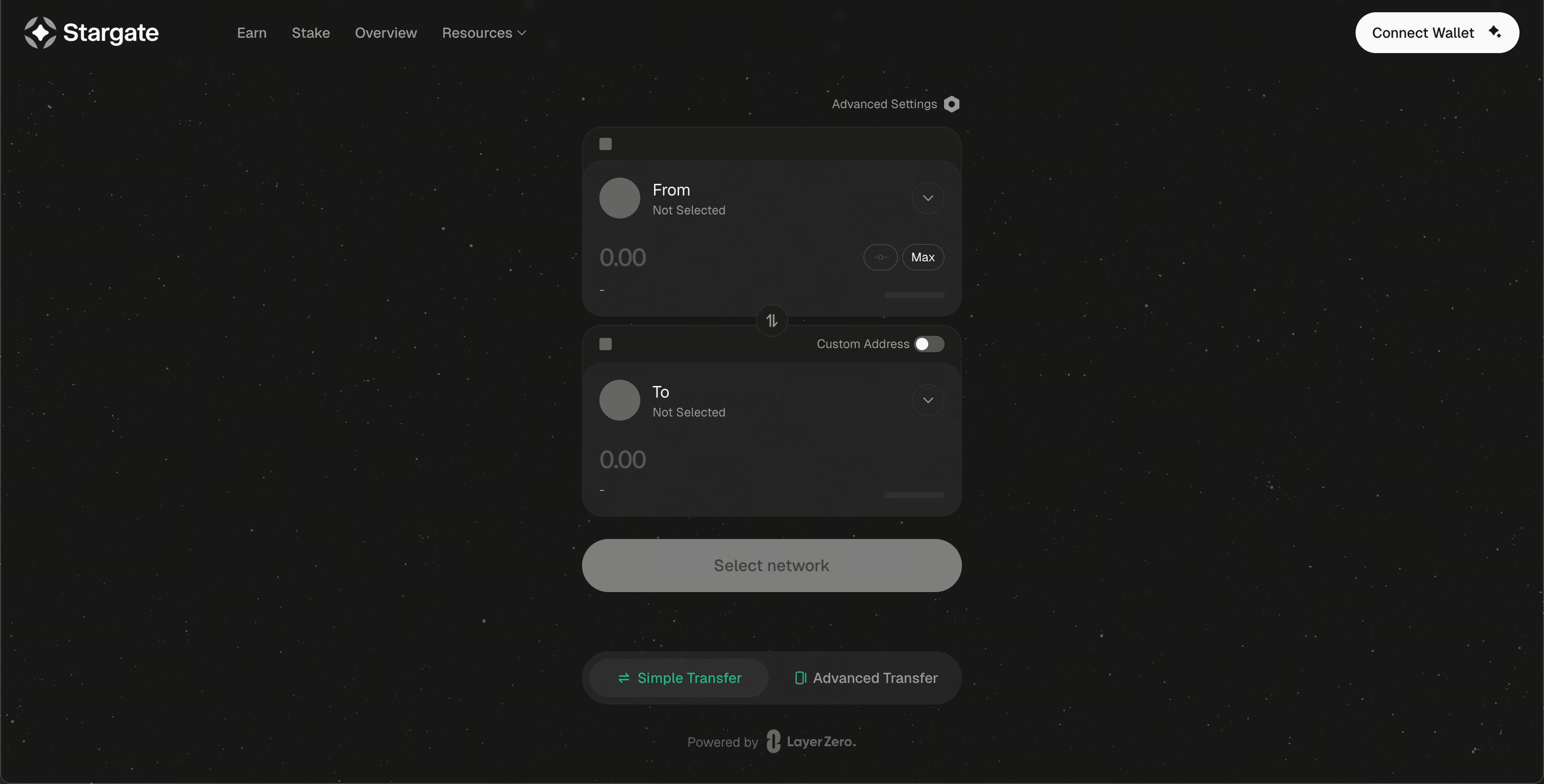
Step 1: Open Stargate and Connect Your Wallet
- Open https://stargate.finance/ in your browser.
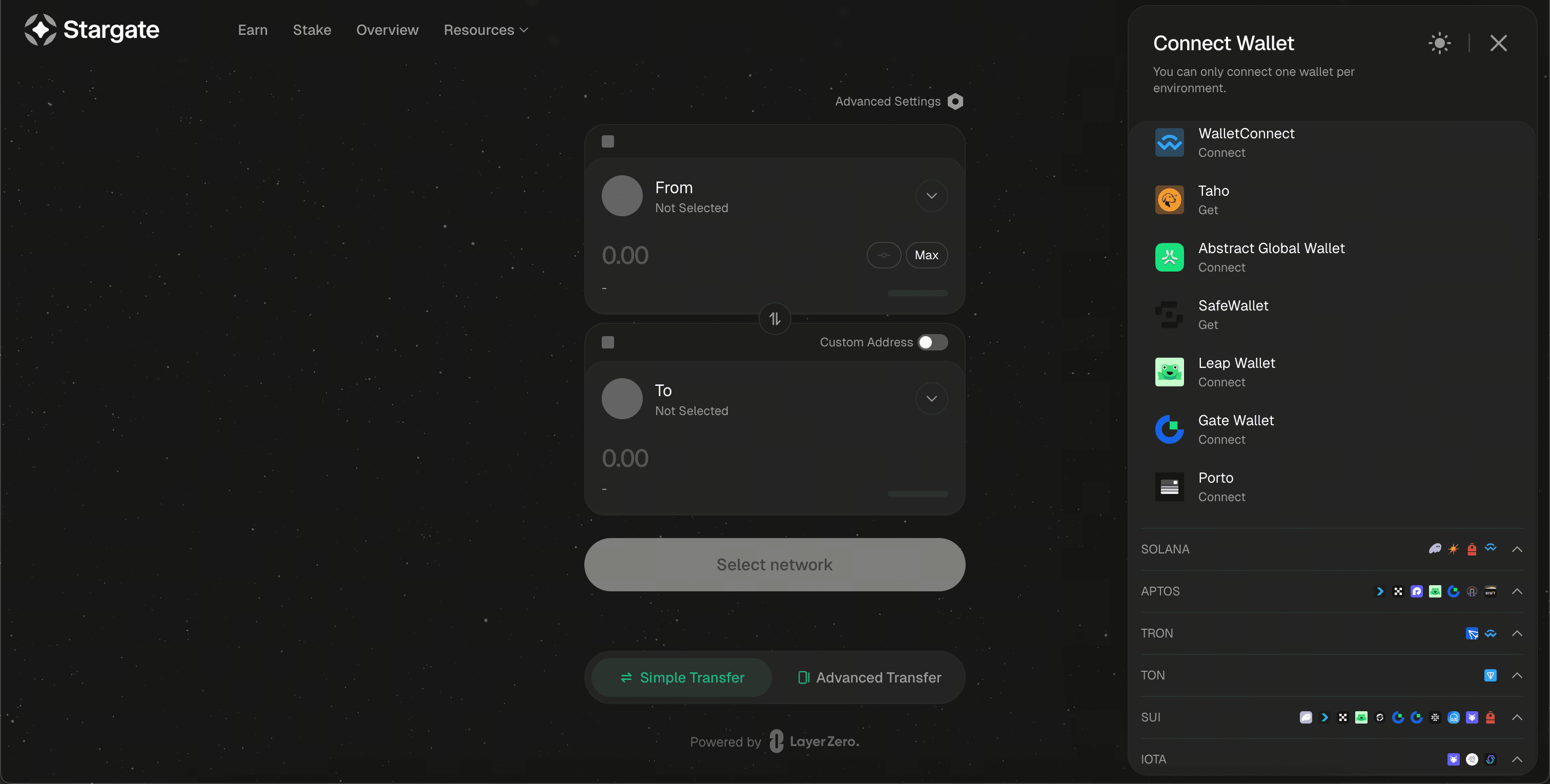
- Click Connect Wallet and select the wallet you have installed.
Step 2: Select Destination Network and Token
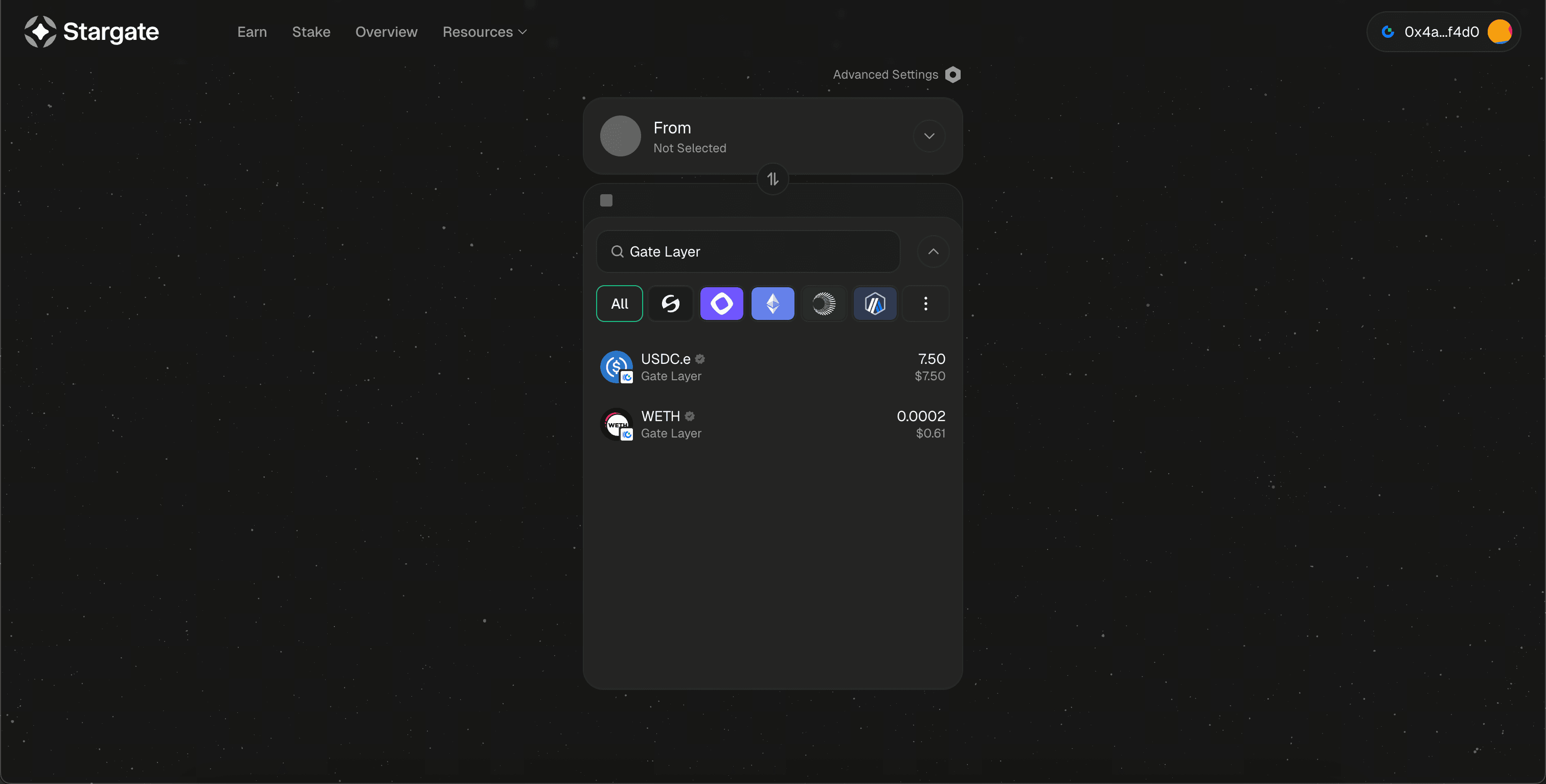
- In the To section, search for and select Gate Layer.
- Choose WETH or USDC.e as the destination token.
- The available source networks and tokens will automatically appear in the From section.
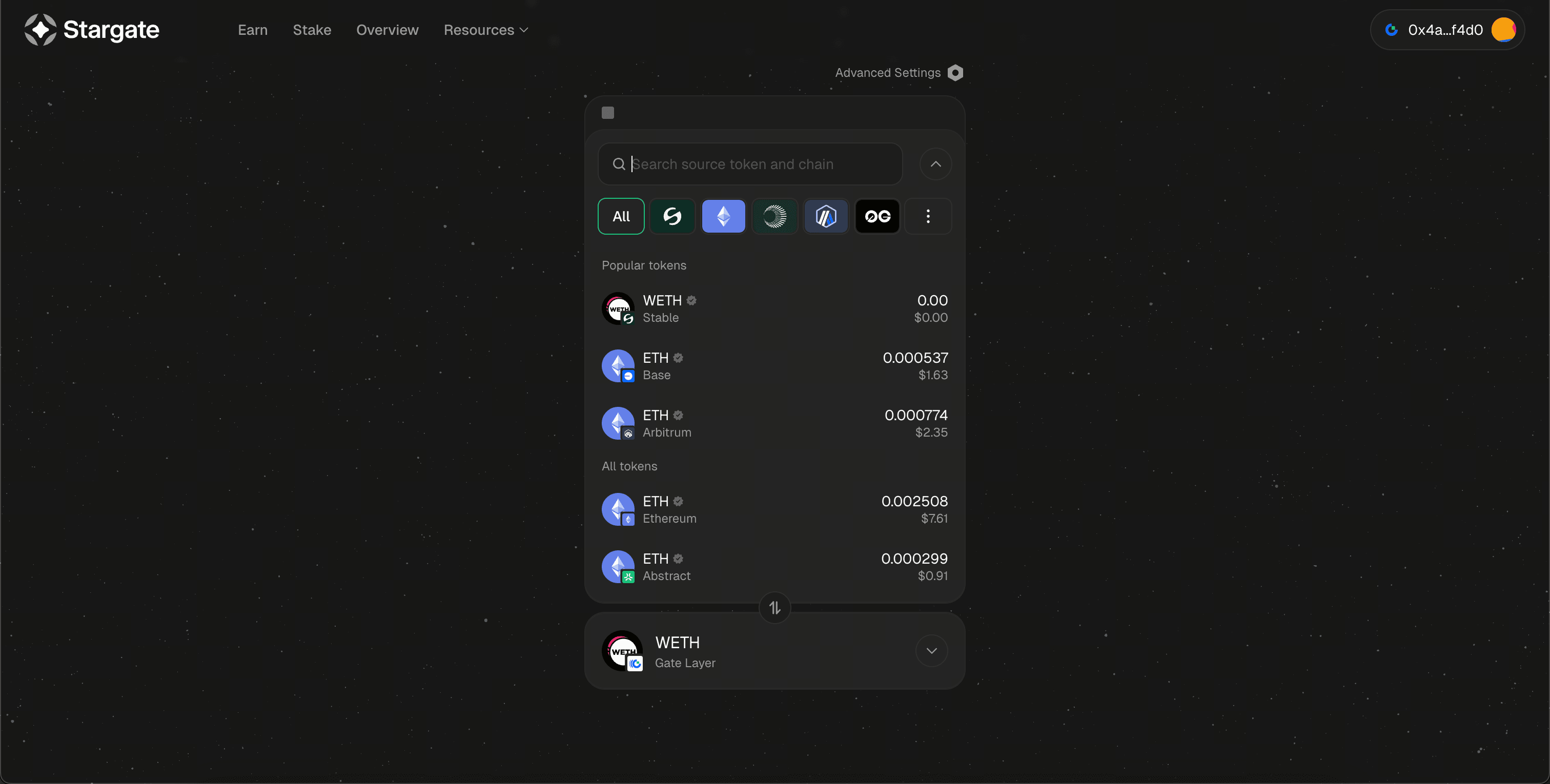
Step 3: Choose Source Network, Token, and Amount
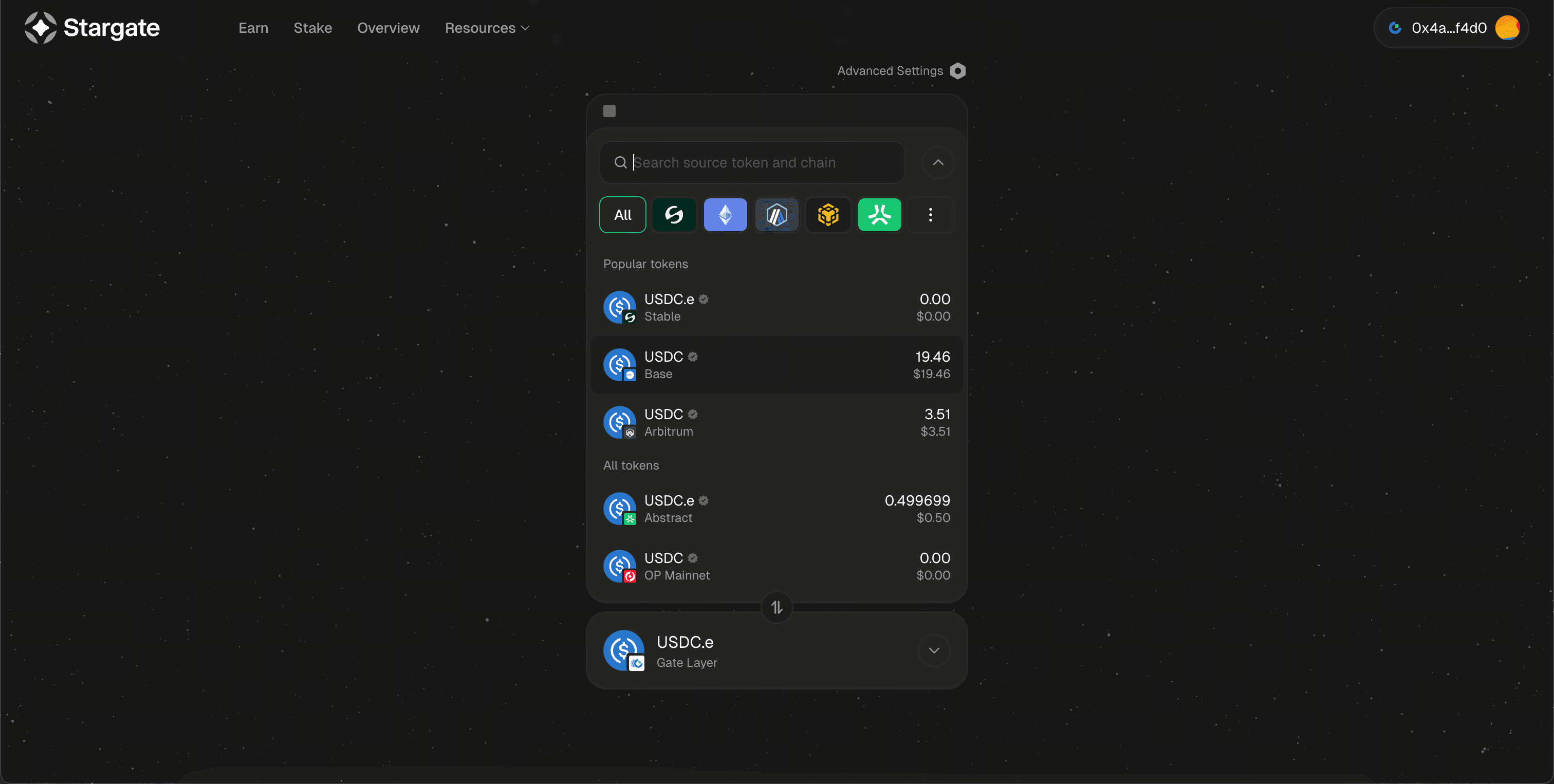
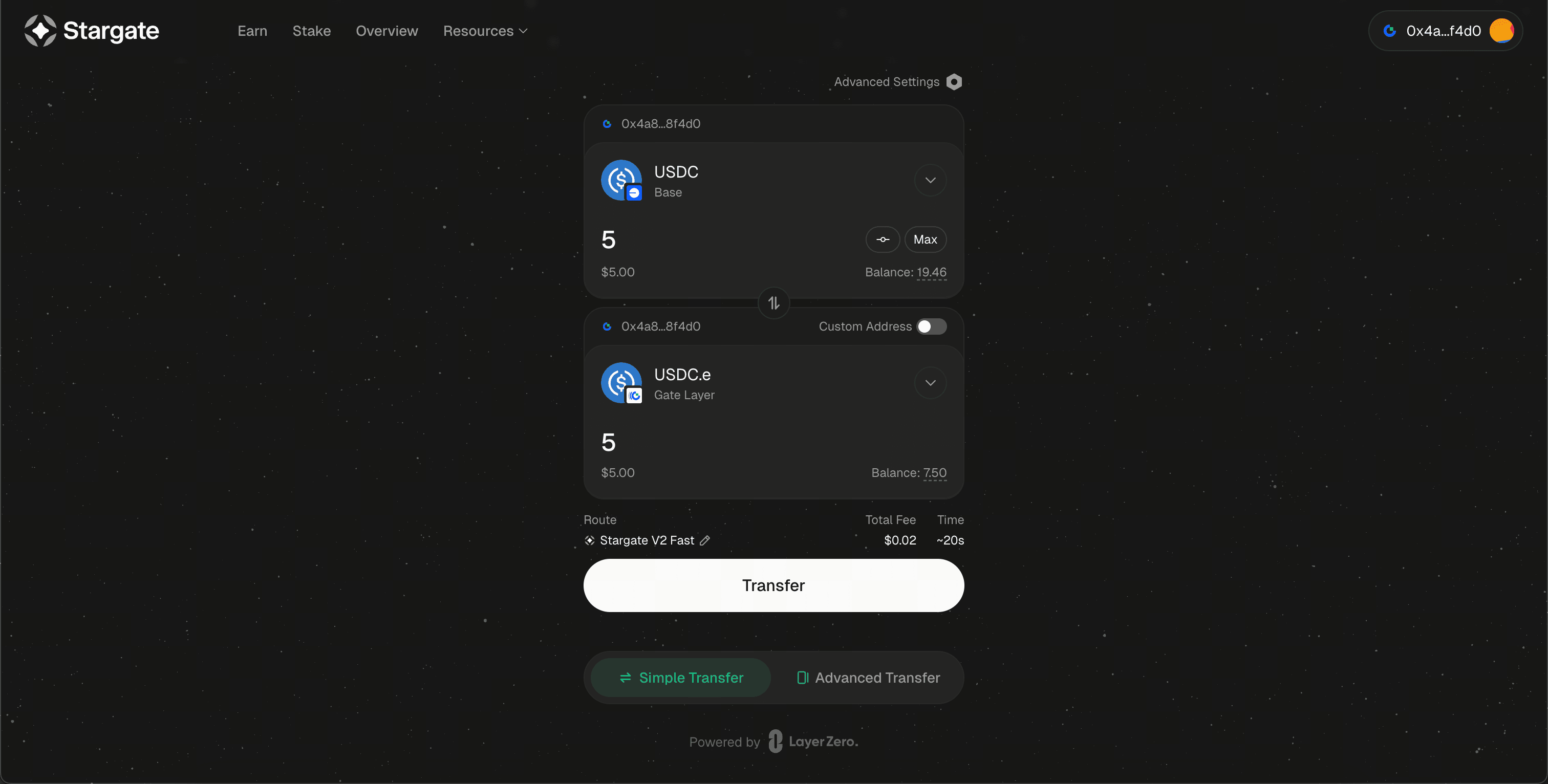
- Select the source network and token you want to bridge from.
- Enter the transfer amount.
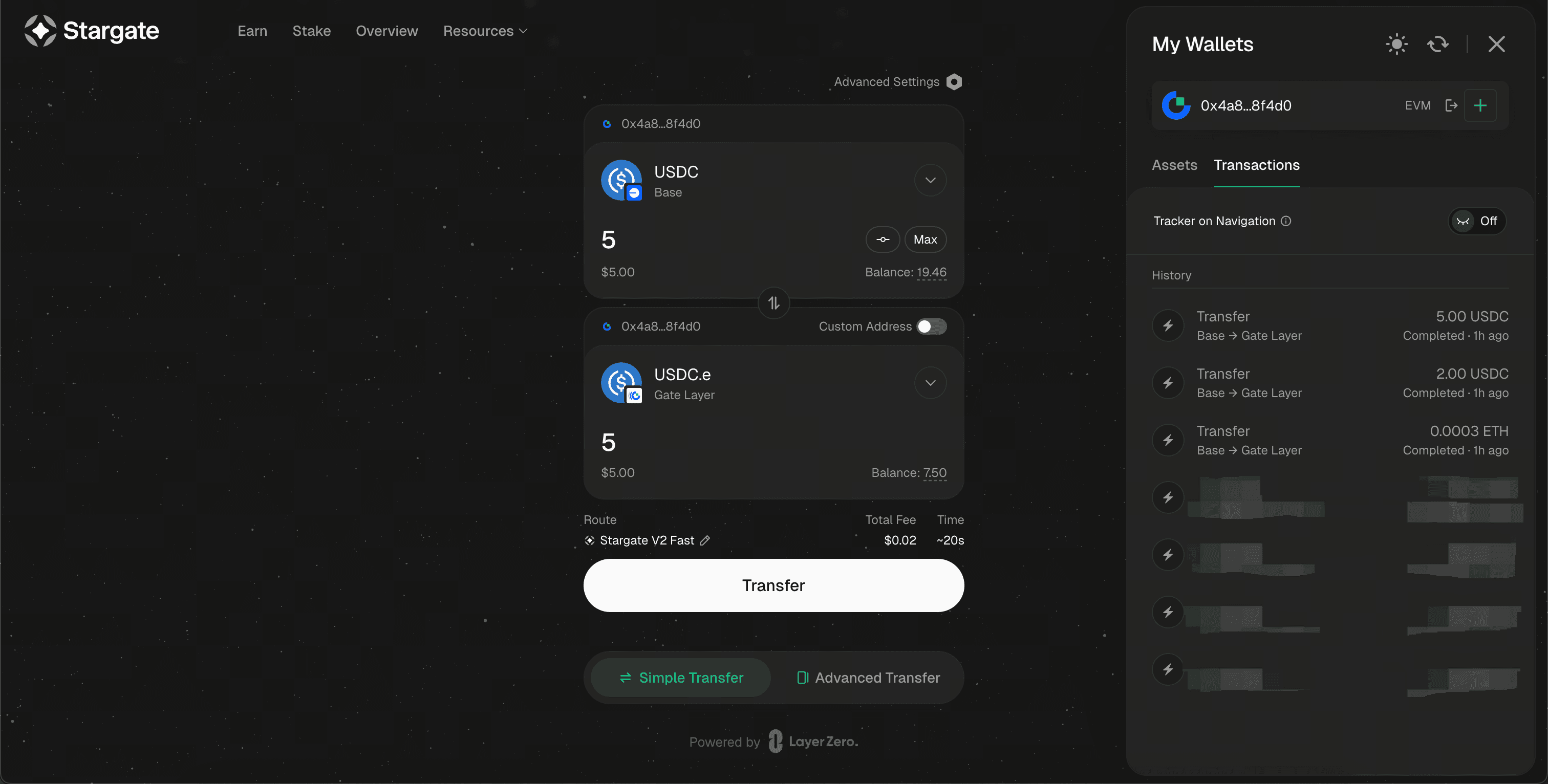
- Example: Bridging USDC on Base to USDC.e on Gate Layer.
- Click Transfer, then confirm the approval and transaction in your wallet.
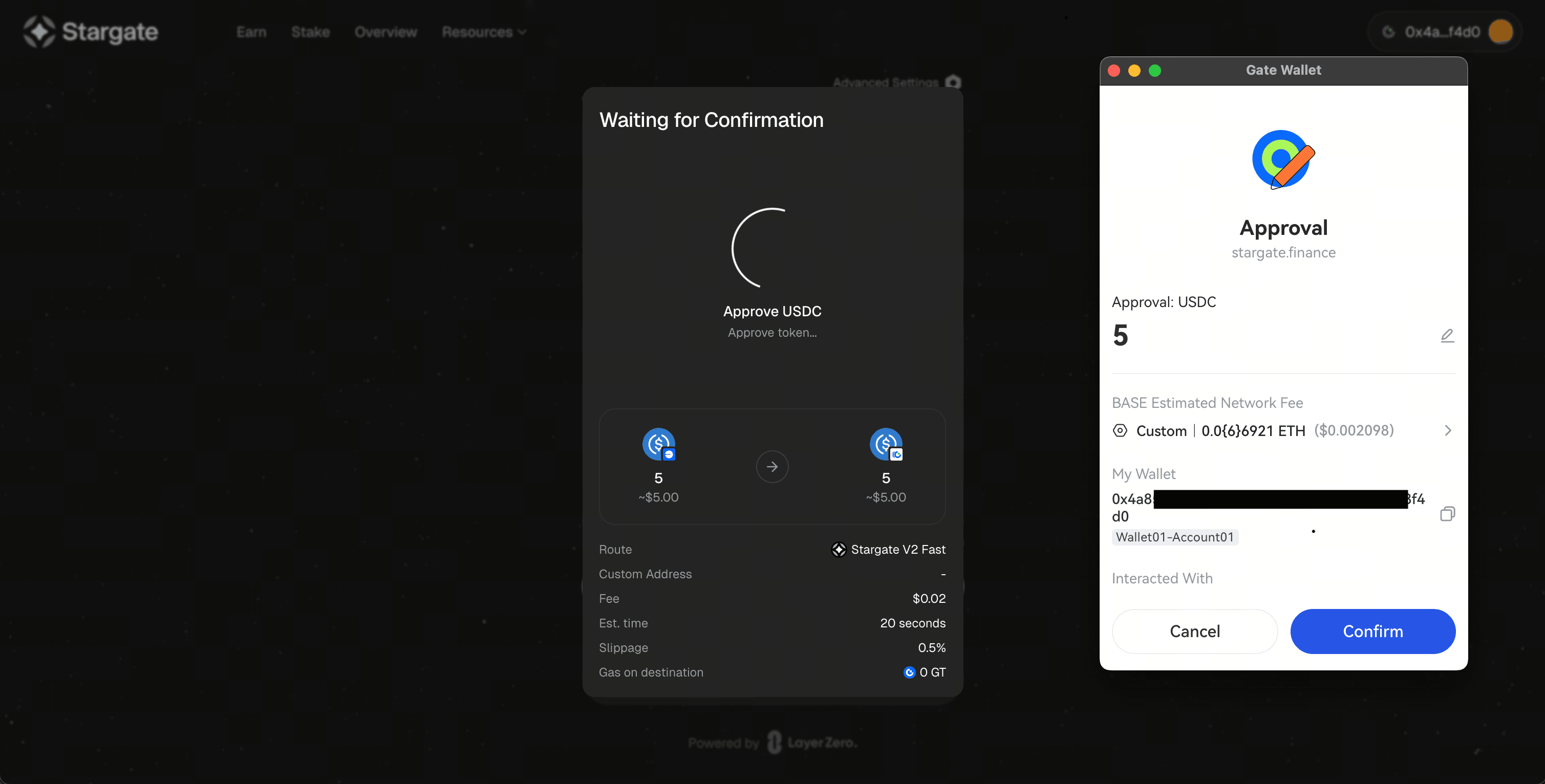
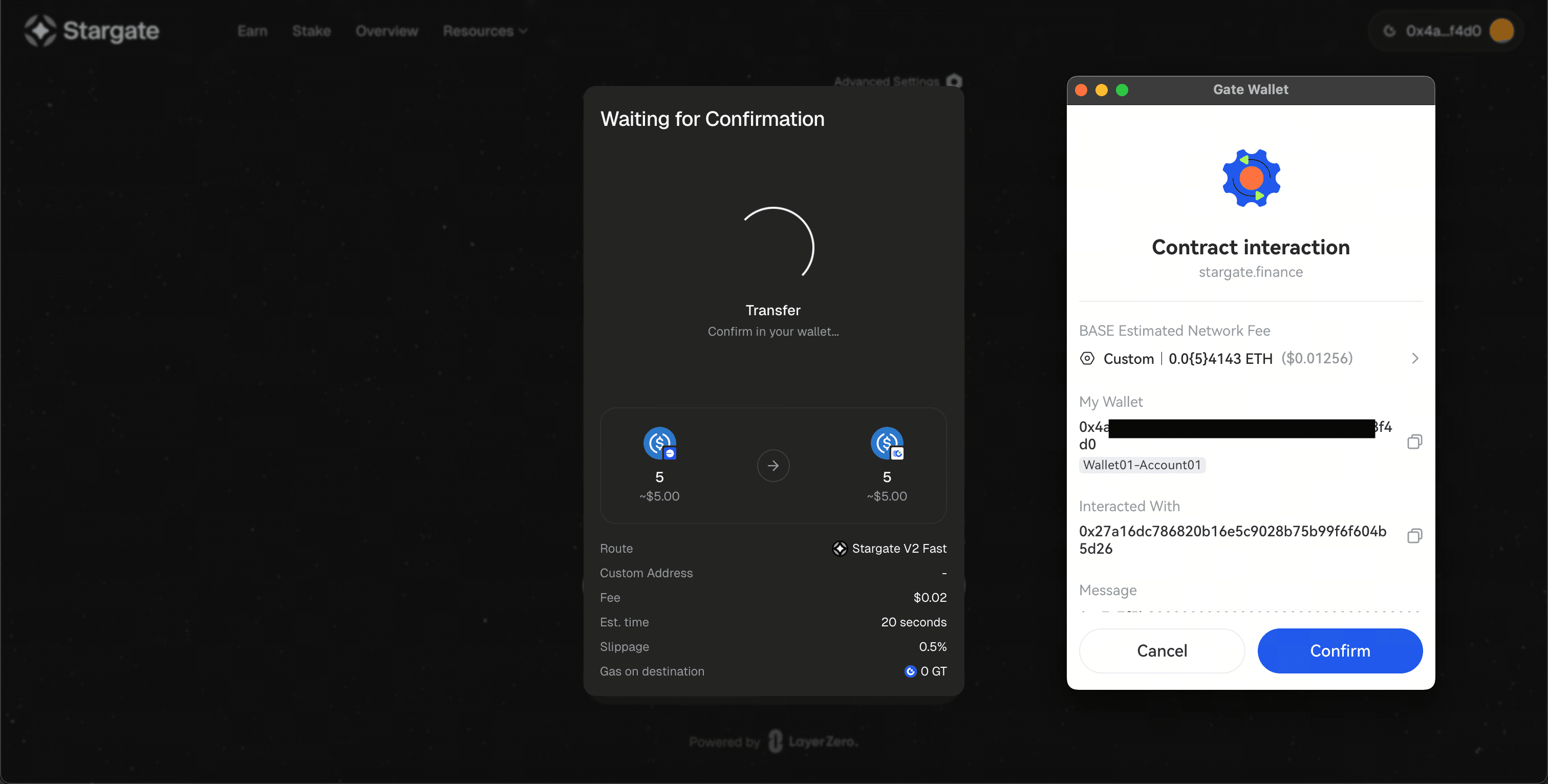
Step 4: Check Transaction Status and Balance
After the transaction is submitted, you can review:
- The transaction history on Stargate
- Your updated token balance on Gate Layer
Bridging via Gate App (WETH Example)
You can also bridge WETH from Base to Gate Layer using the Gate App:
- Open Gate App and navigate to Web3 → Discover.
- Select Stargate Finance.
- Connect Gate Wallet.
- Transfer WETH from Base to Gate Layer following the on-screen steps.